
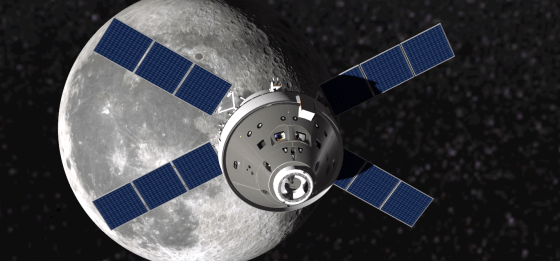
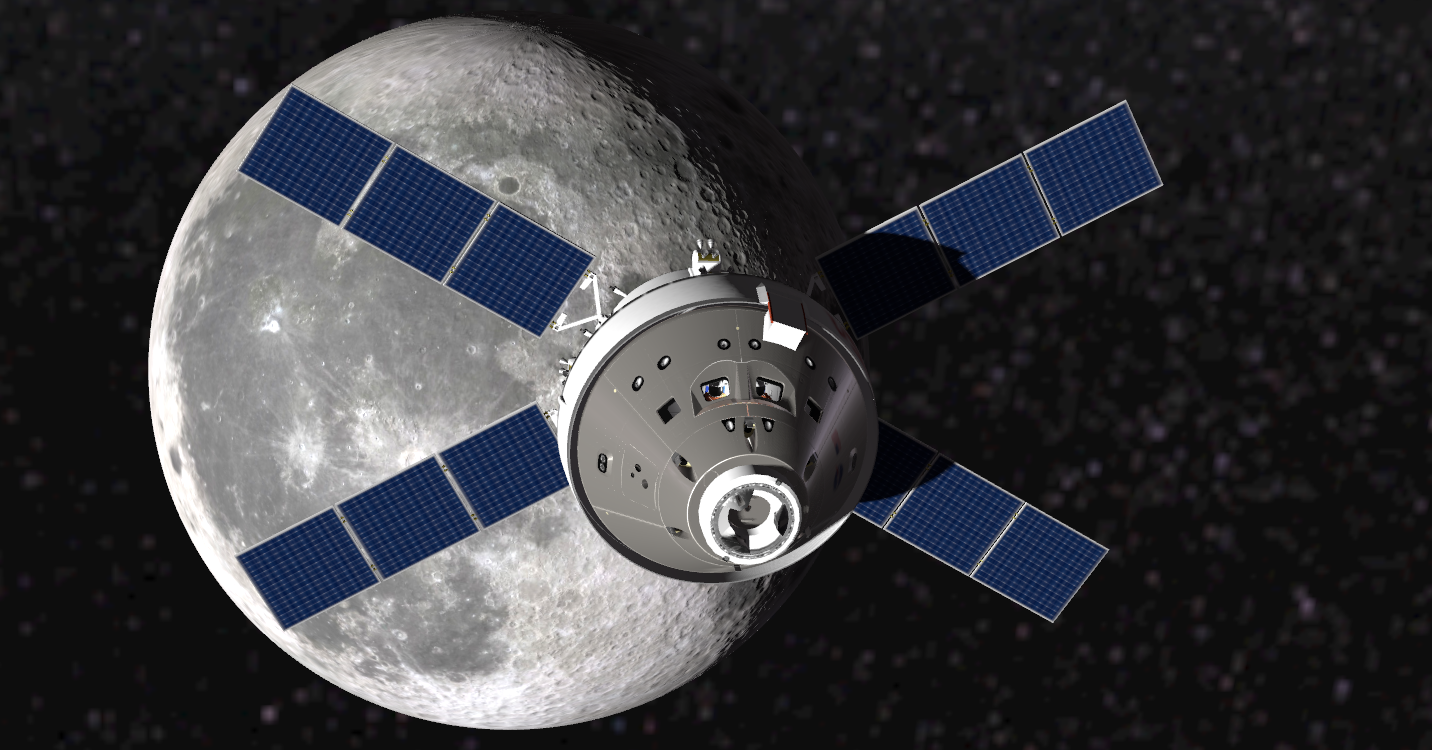
Interesting story as I am near finishing an upcoming re-release of MissionOrion, my Orion spacecraft simulator.
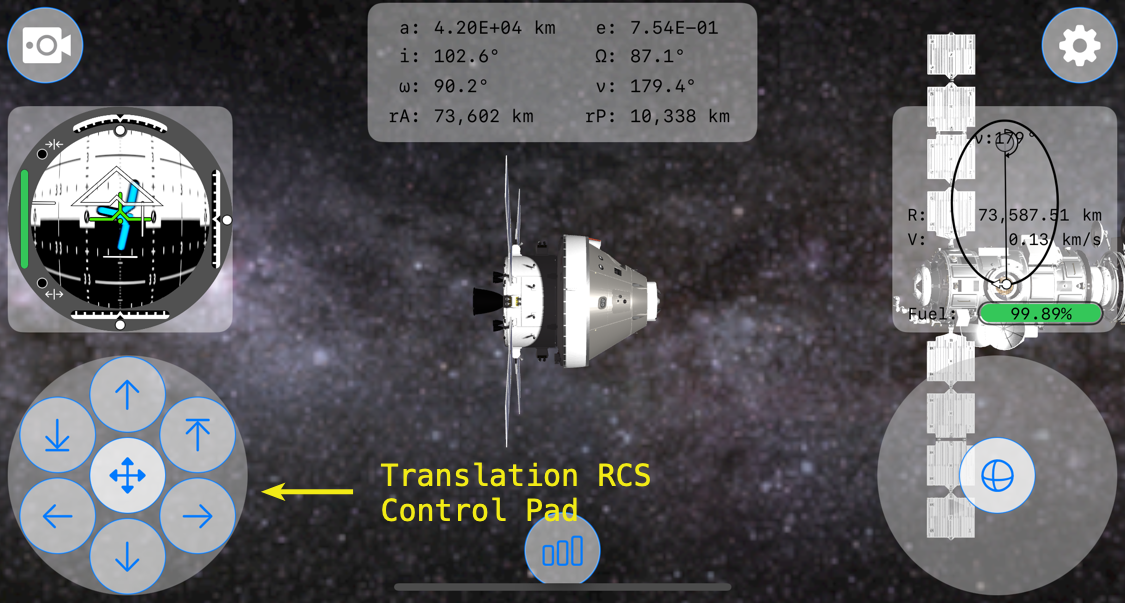
First, a little background. This is MissionOrion’s interface running on an iPhone 16 Pro.

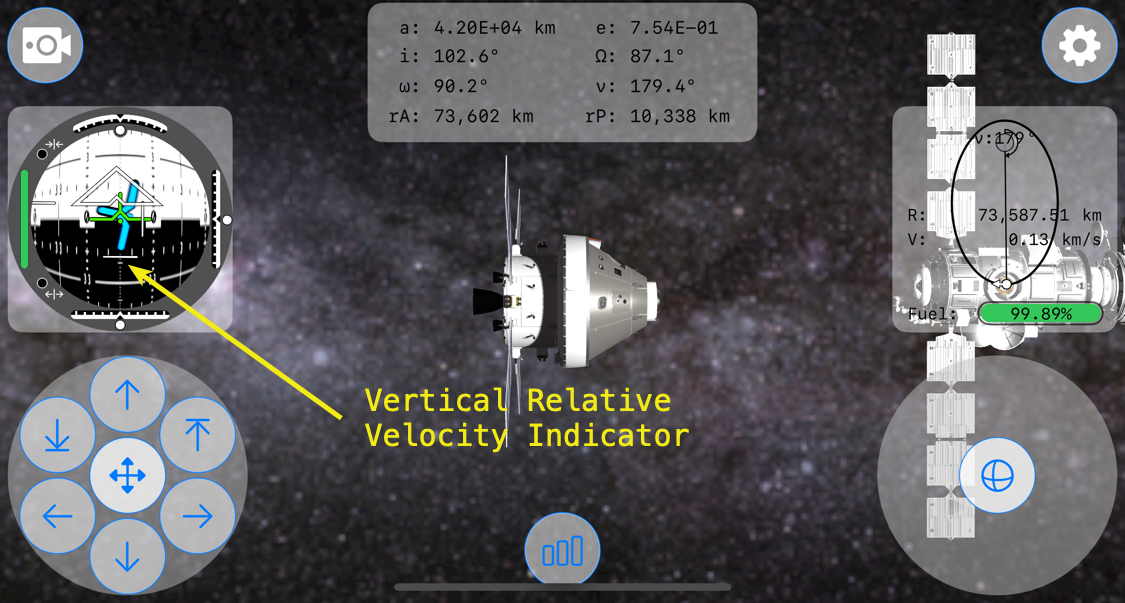
On the lower left-hand corner is the Translation RCS control pad, which is created within SpacecraftTranslationRCSButtonsView.swift.
Just above it is the FDAI, or Flight Director Attitude Indicator. It is created within AttitudeView.swift.
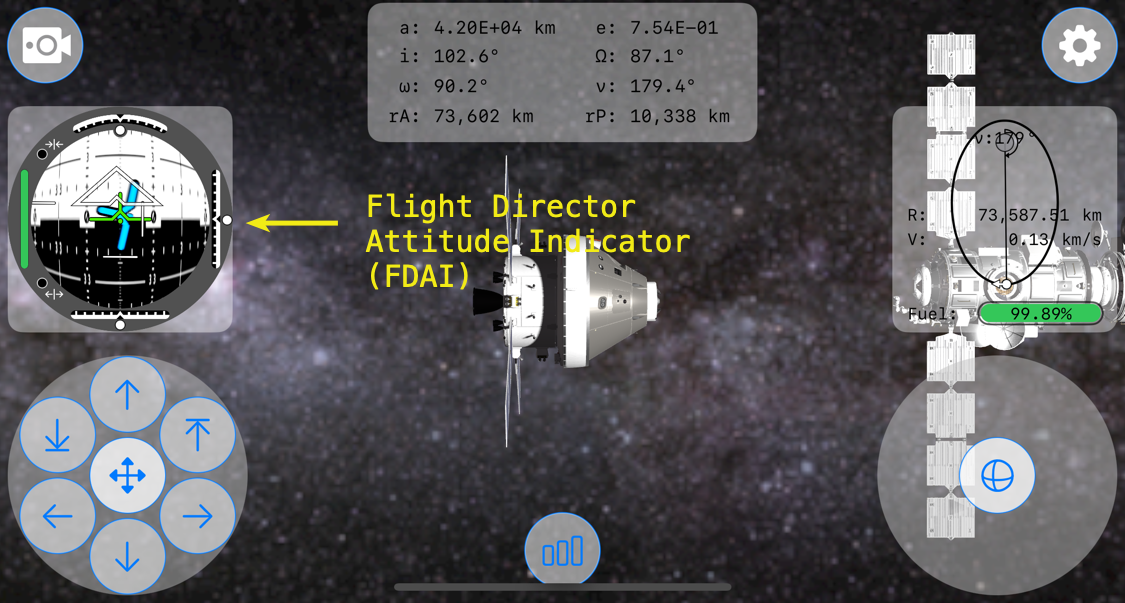
Within the FDAI are indicator views to show vertical, lateral, and longitudinal velocity of Orion relative to its target spacecraft, in this case the Gateway Lunar Space Station. These indicators are moved using .offset depending upon their individual relative velocity amounts.
Within the Translation RCS Control Pad is a button at the top, the verticalPositiveTranslationButton
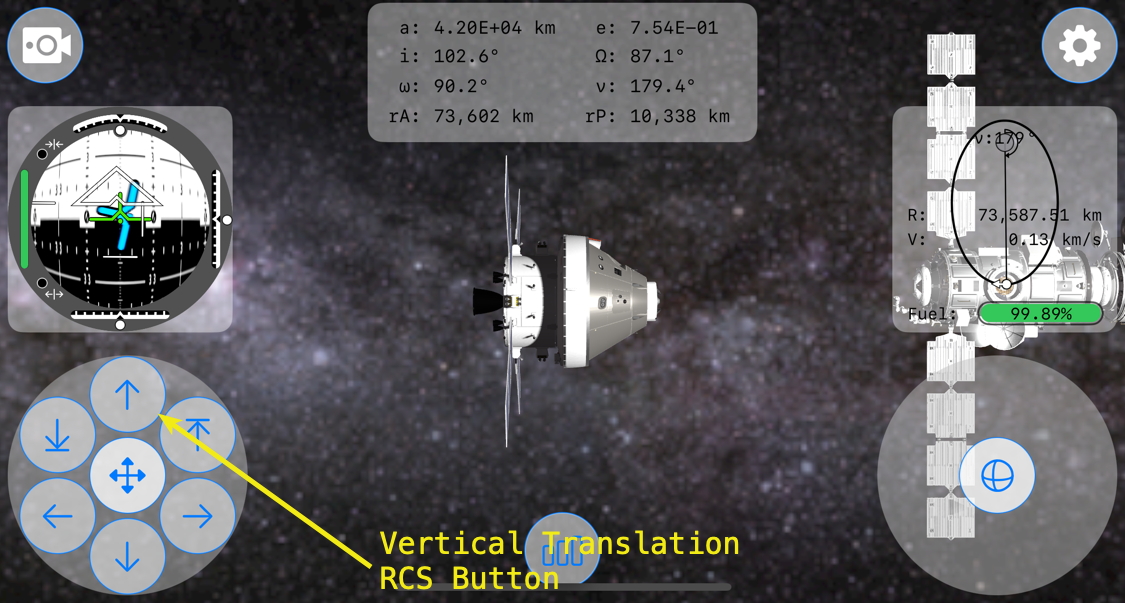
The bug that I was experiencing occurred when the Vertical Relative Velocity Indicator view was at its most negative position. When translating in the negative y-direction, the relative vertical velocity indicator moves down in relation to the -y velocity. It turns-out that the image, fdaiVerticalRelativeVelocityIndicator, in Assets used for the Vertical Relative Velocity Indicator was covering the top translation RCS button, preventing inputs from it.
So, at a certain negative relative velocity, the positive vertical translation RCS button in SpacecraftTranslationRCSButtonsView.swift wouldn’t register taps. What?!?!?
To get a better idea of what was happening in the view hierarchy, here’s a screenshot of the bug. The blue field is the vertical relative velocity indicator in a full negative position.

A 45° view of the same view hierarchy.
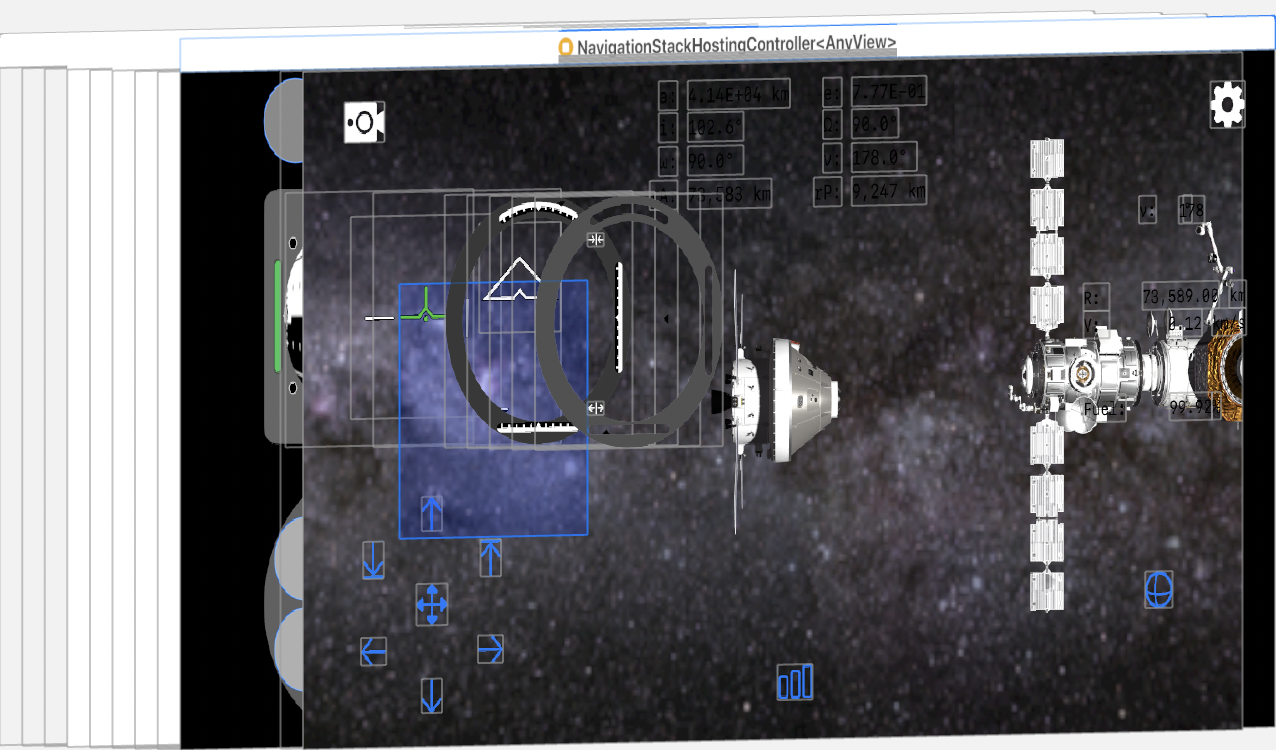
A side view of the view hierarchy.
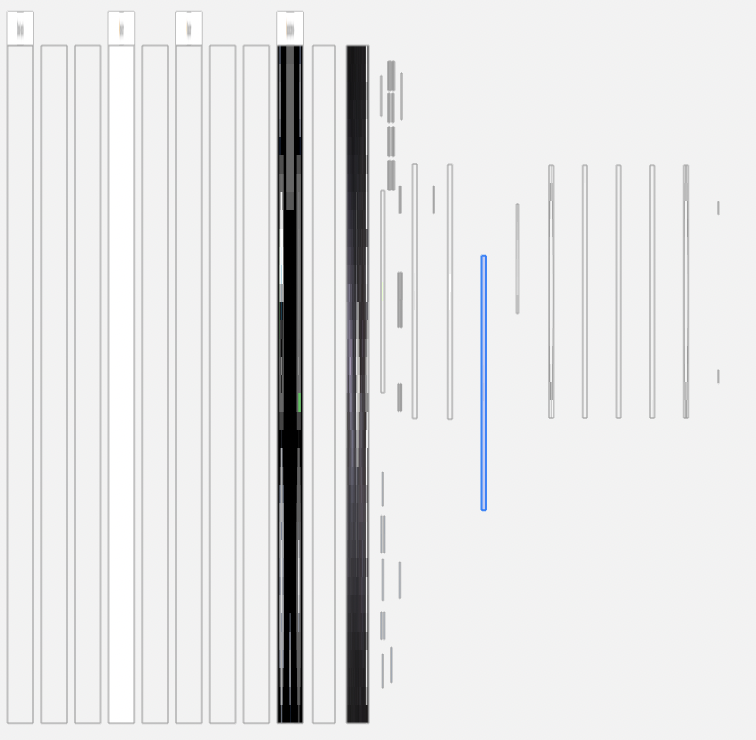
From a side view of the view hierarchy, it’s apparent that the vertical relative velocity view highlighted in blue is above the TranslationRCSButtonsView and all of its translation buttons.
It took me about 30 minutes to figure out going on and 1 minute to fix. The fix was simple enough, just move the code within ContentView calling the TranslationRCSButtonsView and its verticalPositiveTranslationButton to the bottom of the ZStack.
Last is top in the ZStack!

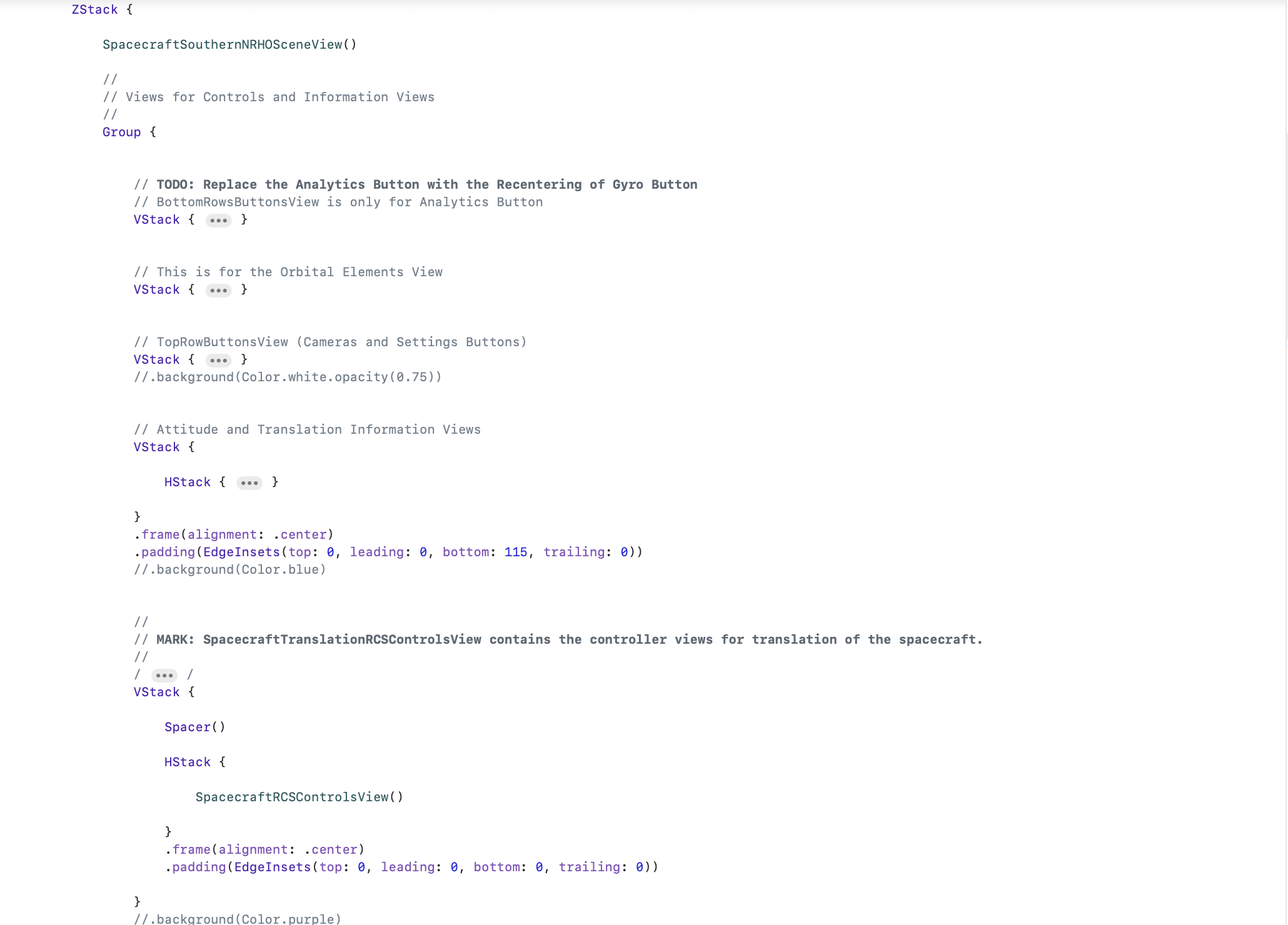
Looking at the view hierarchy after the fix, it’s easy to see what this one change did to allow the verticalPositiveTranslationButton to again accept inputs.
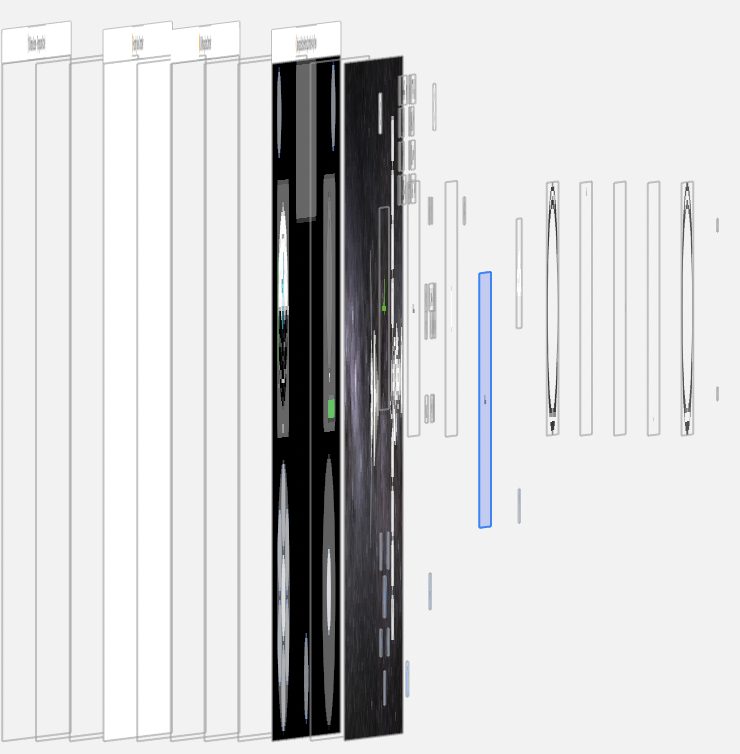
The verticalPositiveTranslationButton
It’s just another reminder that in ZStack, the view order matters. One view obscuring another, even if the top view is transparent, will prevent gesture inputs. And bugs resulting from a ZStack view order mistake, such as mine, can be hard to debug.
But very fun to discover.
 BrokenFang
You must be logged in to post a comment.